
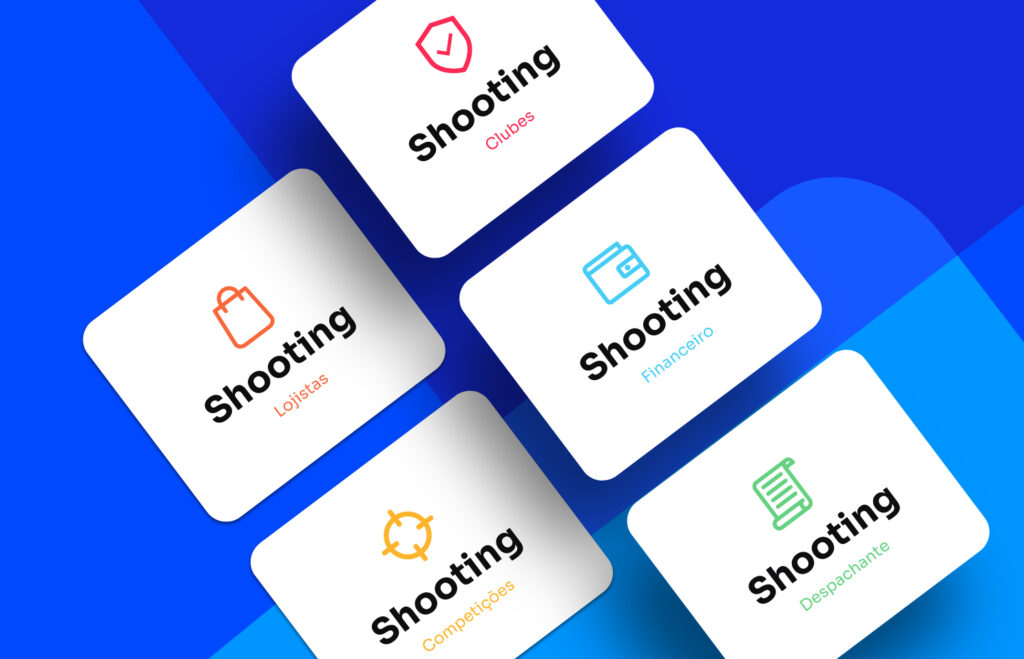
Check out what’s new in our latest update. Our development team has released new document alerts, new functions and notices, as well as a new email campaign to make it even easier to track your customers’ shooting activity.
Update video on YouTube: https://www.youtube.com/watch?v=w7sK3rNqr7E
News and New Features:
- Change to the members area and the “Unaffiliate Athlete” function
To provide a cleaner look on the members screen, on the right side of each record we now have the “+OPTIONS” icon, which shows the functions that previously had their own icon. We also added a new button to the members area: “Unaffiliate Athlete”. These unaffiliated shooters are now organized in the “Guests” tab and, using the “Unaffiliated Shooter” filter, you can easily generate reports and send custom emails.
- New options for the Dashboard
On your home screen (dashboard) you can now rely on expiration notices for your members’ documents: CR, CRAF, CTF, GT and Possession Authorization! To configure the period for this expiration notice, simply go to Settings>Members Dashboard.
- New email campaign: Expired Shooting Activity
This new campaign automatically sends notifications to athletes whose shooting activity has expired or is about to expire. For example, if a shooter is at the limit of 8 active shooting activities, when one of them is close to expiring, they will be notified by the club to keep them active with the maximum number of valid shooting activities.
- Low stock notification
Have you ever discovered that a product is out of stock only at the time of sale? To improve your sales routines, we implemented low stock notifications. Whenever your stock is running low, you will receive a notification via WhatsApp and/or email! To enable this option, simply edit the products, filling in the “Notify Low Stock” field with the quantity that should trigger the notification, and then configure the WhatsApp number and email in the extra settings of the Store menu.
- Update to the payment screen layout and block on editing/canceling orders
You have probably already noticed that the store’s payment screen has a new look! We are adjusting the store, making it more modern and changing some behaviors to optimize your club’s management. The “Cancel Order” function should only be used when the purchase is called off right after it is made. With that in mind, we changed how the “Cancel” button works in the orders area: it is now available only for 30 minutes after the order payment is confirmed! If you want to change this time period, simply change the number of minutes in Store>Extra Settings.