


The system now allows an XML file to be imported to automatically record the entry of purchased Products. This process is synchronized with accounts payable, recording an expense transaction in the Cash Flow, and also allows the products’ inventory to be updated quickly and easily!
Click STORE – XML IMPORT and then click Add XML Import
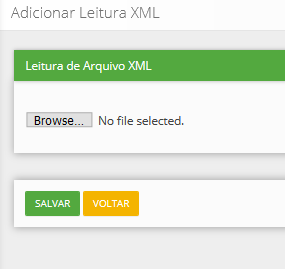
Upload the XML file saved on your computer in this area.


Done! The XML has been imported. Now click the Magnifying Glass on the right.


Now just synchronize the INVOICES with ACCOUNTS PAYABLE. For this part to work correctly, you must first record an Account Payable for the imported invoice.
And synchronize the ITEMS with the PRODUCTS.